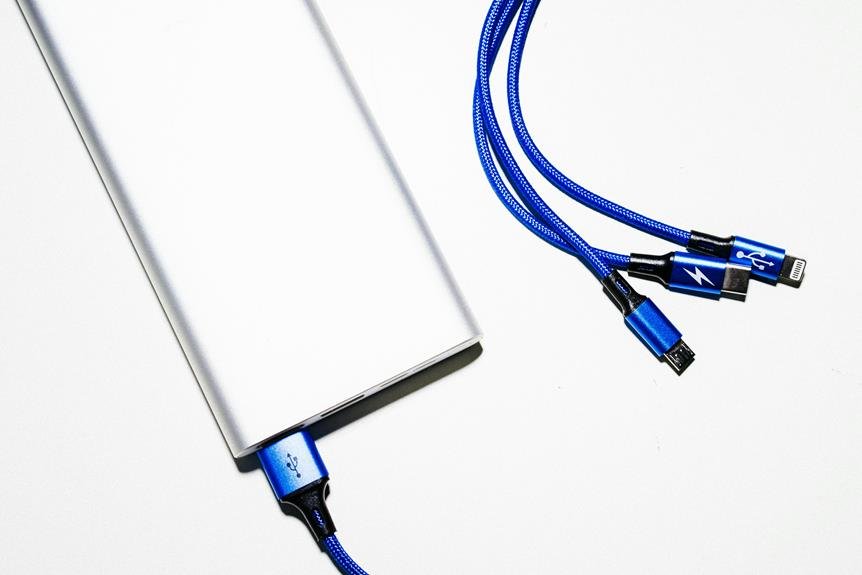
To activate your Energizer power bank, first connect your device to the correct output port using a compatible cable. Next, locate the activation button on the power bank and press…
To know if your power bank is charging, check the LED indicators for blinking or steady lights, which signify charging status. If it has a display screen, look for battery…
To charge your Zendure Power Bank, start by checking the battery level via the LED indicators. Use a charger compatible with your model, preferably one with QC or PD technology…
To charge your Energizer power bank, first make sure it's compatible with your devices. Use the included USB cable and a high-quality power adapter with the correct voltage and amperage.…
Charging your Anker power bank varies by several factors. A 5,000mAh Anker power bank might take 2-3 hours with a standard charger, while a 26,800mAh one could need 8-12 hours.…
Charging time for a power bank varies based on its capacity, charging source, and cable quality. A higher mAh means longer charging times, while USB-C with fast charging reduces these…
You can't bring a 50000mAh power bank on a plane because its watt-hour rating exceeds the standard airline limits. Airlines generally allow power banks up to 100 watt-hours in carry-on…
Choosing the right power bank depends on your device usage and lifestyle. Higher mAh ratings mean more charge storage, giving your devices extended battery life. Assess your device needs; quick…
To turn off your Anker power bank, first locate the power button. It's usually marked with a small symbol and could be on the side or top. Depending on the…
To charge your Belkin power bank, first identify its charging port type (USB-C, Micro-USB, or Lightning). Use a compatible cable that supports the required power rating. Securely connect the cable…